


HOW WEDDINGPLAN WORKS

Built by Nexera

Back to Weddingplan

Your venue. Their wedding.One shared plan.

Couples explore your hall in 3D, manage invitations, and arrange guests, seating and meals. Your team receives the finished plan to prepare for the day.

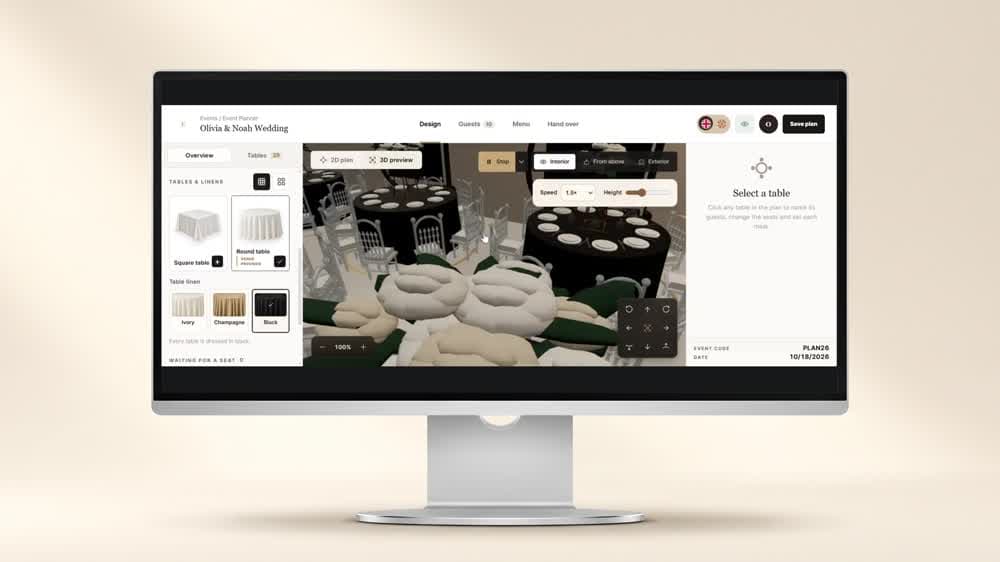
A 3D tour of the hall in Weddingplan
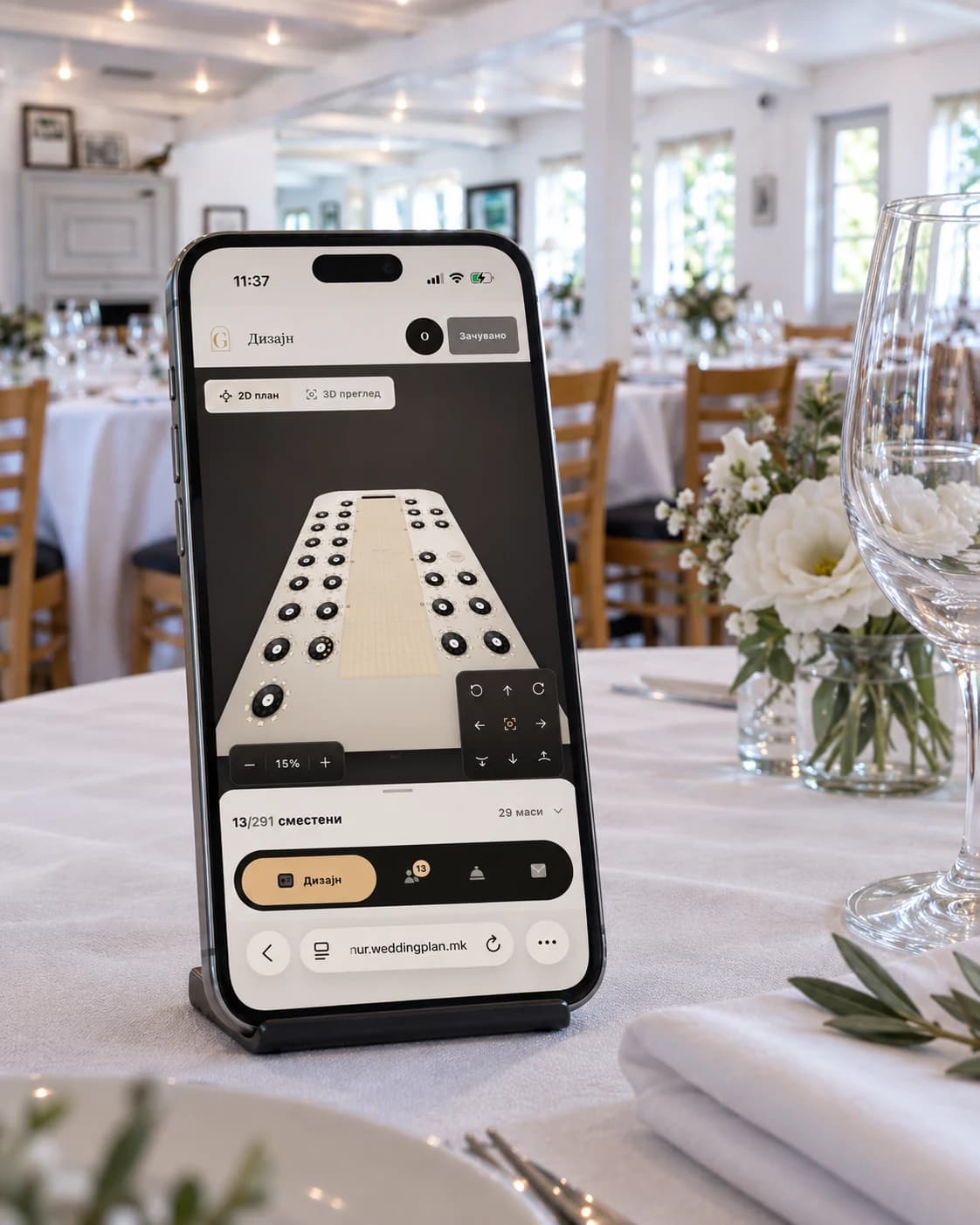
Weddingplan’s mobile seating layout displayed on a phone resting on a reception table

MADE FOR PLANNING ON THE GO

Your plans.In your pocket.

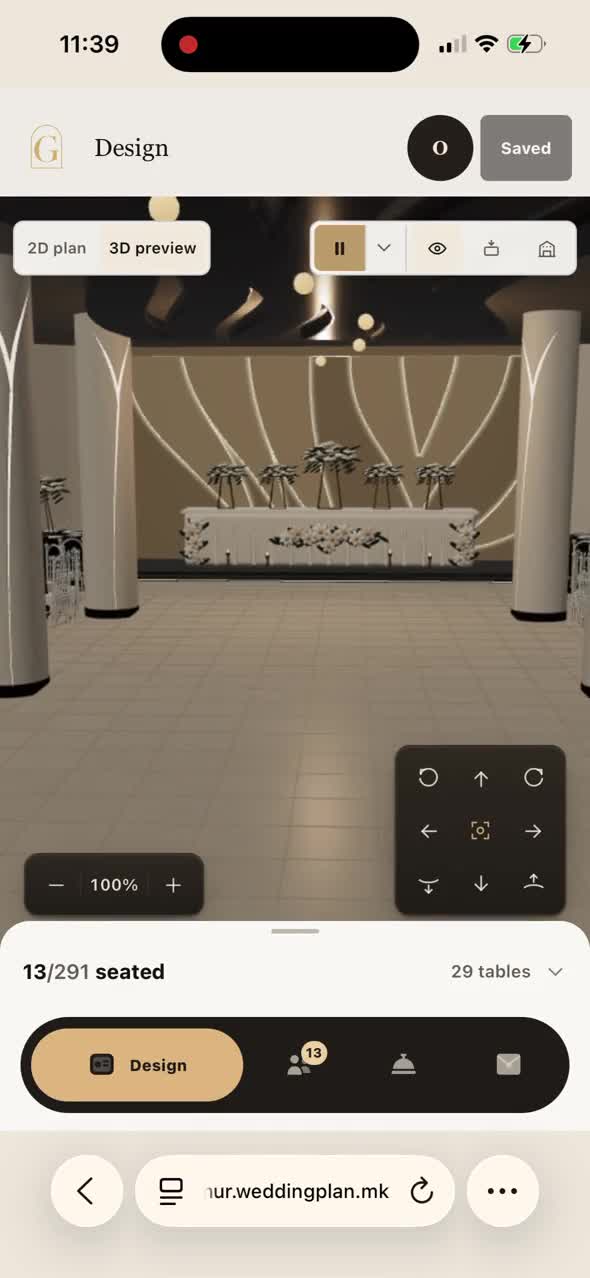
Keep planning from your phone when you’re away from your computer. Weddingplan adapts to phones, tablets and laptops, with your hall, guests and meals in one place.

  • Your hall on your phone

    Check the seating layout and explore the room in 3D.

  • Guest updates on the go

    Manage guests, seats and meal details from your phone.

  • Pick up on your laptop

    Open your saved plan on a bigger screen and keep going.

YOUR VENUE, READY TO PLAN

Your hall, mapped for every wedding.

Give couples a layout based on your real hall, with its tables, columns and dance floor already in place.

  • Your venue’s layout and fixed features
  • Table and linen options you offer
  • Guest and seat totals as the plan takes shape
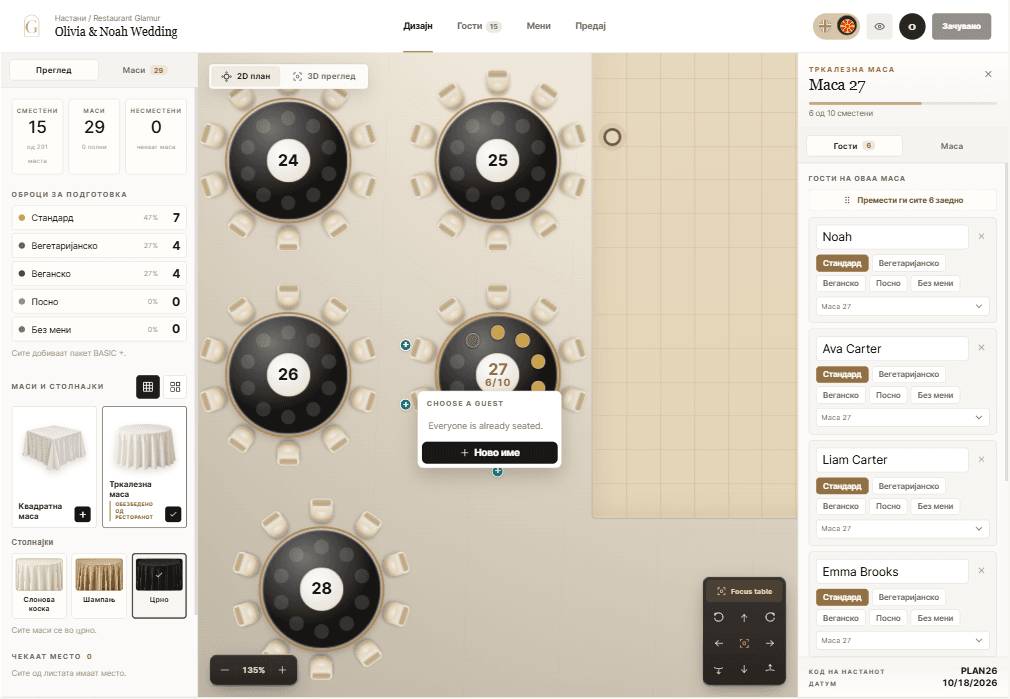
The room layout, seating and meal totals in one view.

THE SAME ROOM, WALKED THROUGH

The conversation that used to happen on the phone.

The couple walks the room in 3D before they ask you a single question. They see the spacing, the linen against the floor, the view from the top table. The questions that reach your team are then the ones worth your team's time.

  • Interior, overhead and exterior views of the same plan.
  • Linen and table choices shown as they will actually look.
  • No appointment, no site visit, no evening phone call.
The 3D preview: the same seating plan, walked at eye level.

EVERY MEAL, COUNTED

Good food. Every guest considered.

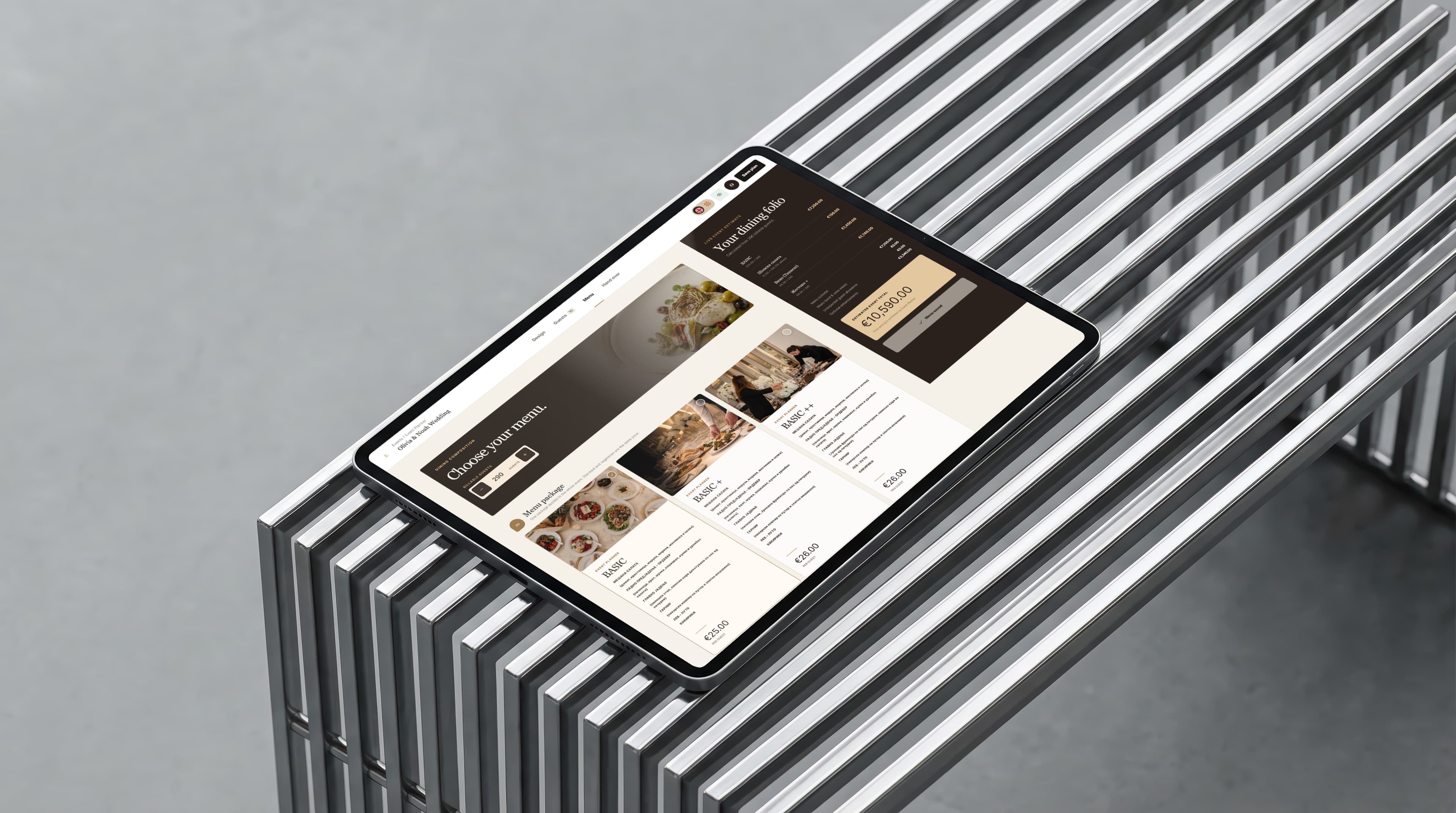
Choose your venue’s menu, record dietary needs, and bring the final meal totals together for the kitchen.

Weddingplan’s menu packages and dining summary displayed on a tablet
  1. Choose the menu

    Explore the packages and dishes your venue offers.

  2. Care for every guest

    Keep meal choices, allergies and dietary notes with each guest.

  3. Get the kitchen ready

    Review meal totals by category and table before the day.

EVERY GUEST, CONNECTED

From invitation to a place at the table.

Bring invitations, replies and seating into one guest list. Couples organise the details, and your venue team can follow the plan.

  1. 01

    Invite

    Share your wedding invitation with one link.

  2. 02

    Collect replies

    Keep attendance, meal choices and dietary notes together.

  3. 03

    Seat together

    Give everyone a seat and keep families and groups together.

All the details. One beautiful handover.

From their wedding plans to your team's hands. Everything you need to prepare the room, brought together in one setup pack.

WEDDINGPLAN / THE SETUP PACK

Select a document to explore

One confirmed version

Submission locks the plan. Your team decides when to reopen it.

On paper. On screen.

The same setup details, wherever your team needs them.

Thoughtfully shared

The venue copy uses seats and meals. Guest names stay in the couple's copy.

WHAT CHANGES FOR YOUR TEAM

Fewer questions. One version. A room laid from paper that is right.

The evening calls stop

The answers are in the planner, and the couple can see them without you.

The count is one number

The figure the kitchen reads is the one the couple confirmed.

The room is laid once

Your team works from a frozen plan, not a photograph of a drawing.

Your venue, your name

Your branding, your hall, your menus. Couples never see ours.